
Search result
Overview
Connections
Playback
Settings
Tips
Appendix
Playing analog input
Remote control unit illustration
Prepare for playback.
Check the connection, then turn on this units. (Connecting an analog devicelink)
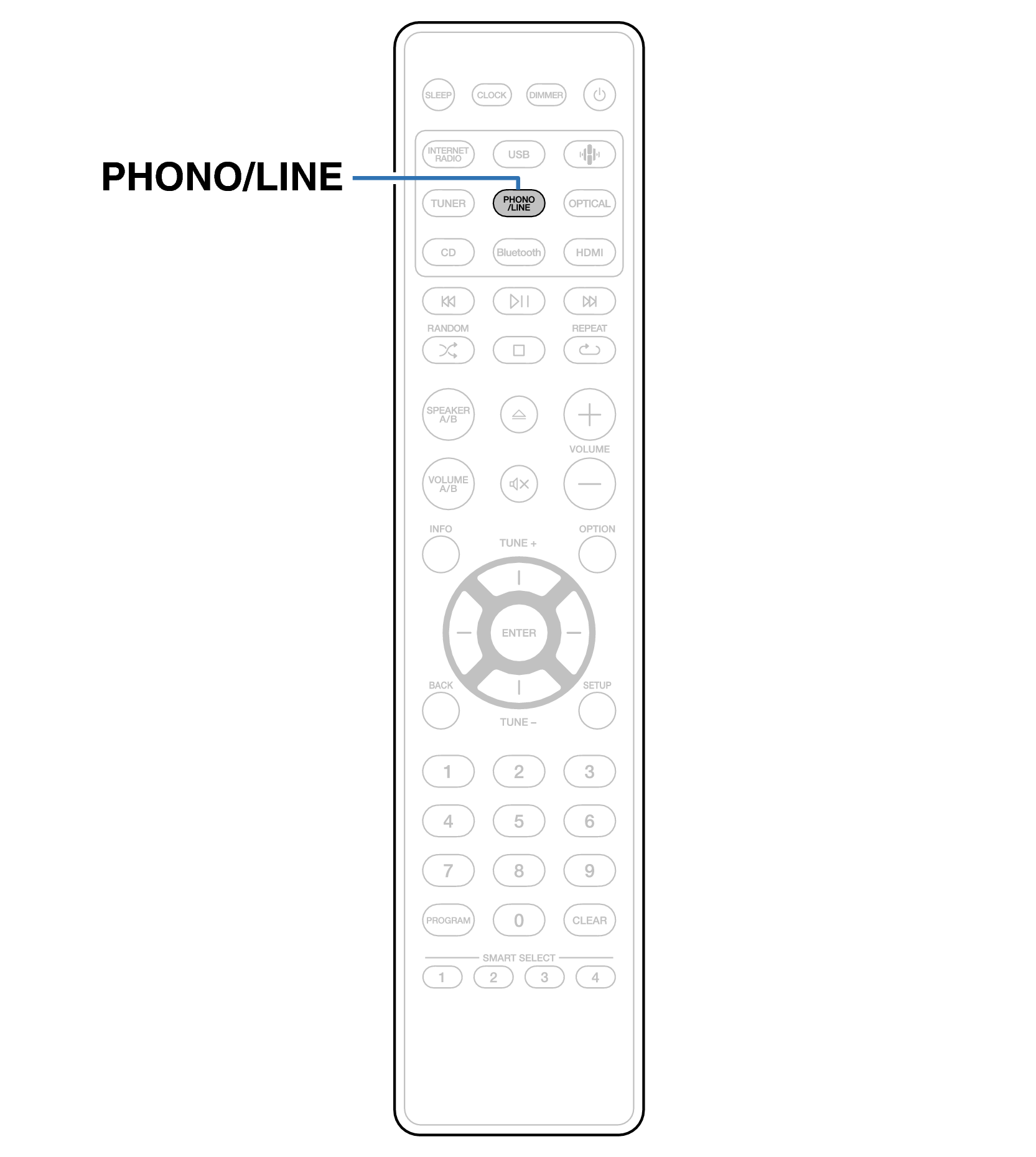
Press PHONO/LINE to switch the input source to “Phono” or “Line”.
The input source is switched to “Phono” or “Line” each time PHONO/LINE is pressed.
Play the component connected to this unit.
Network CD Receiver