
Search result
Status LED table
The LEDs on the front panel and rear panel change to indicate the current status.
|
Status |
Front LED action |
Rear LED action |
Description |
|---|---|---|---|
|
Standby |
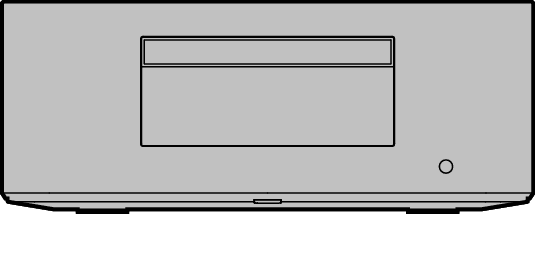 (off) |
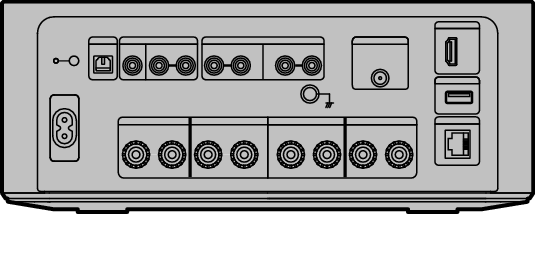 (off) |
Power is off, or this unit is in standby. link |
|
Power on |
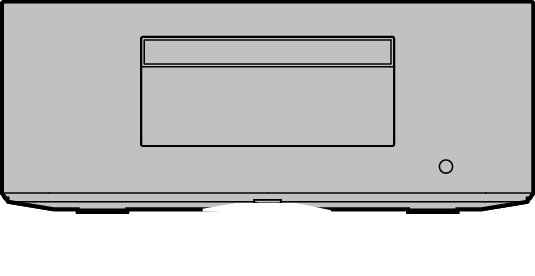 (blink) |
(off) |
This unit is starting up or connecting to the network. |
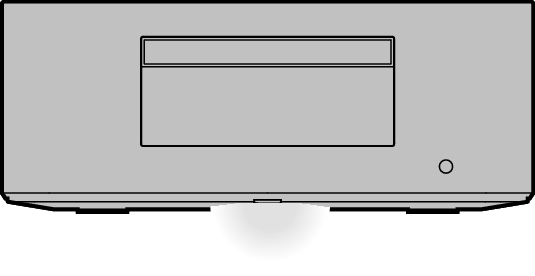 (solid) |
(off) |
This unit is connected to the network. |
|
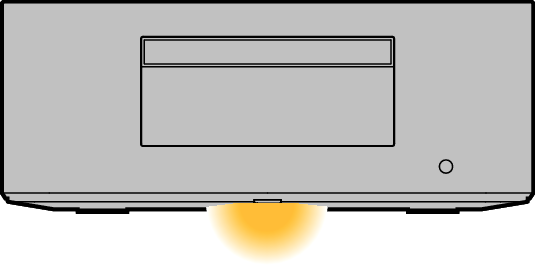 (solid) |
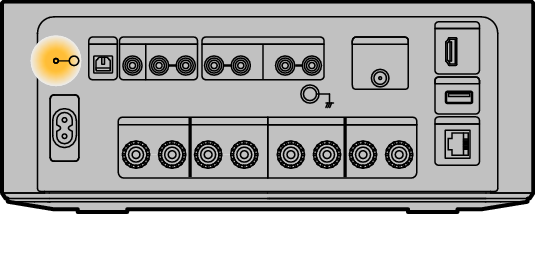 (solid) |
This unit is unable to connect to the network. Try to connect this unit again. |
|
|
Bluetooth |
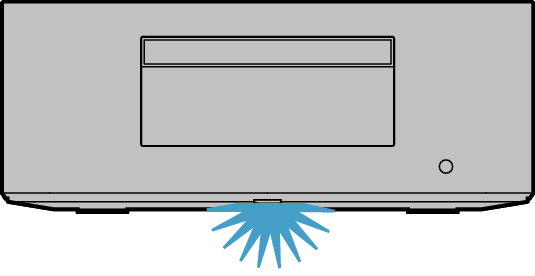 (two blinks (repeating)) |
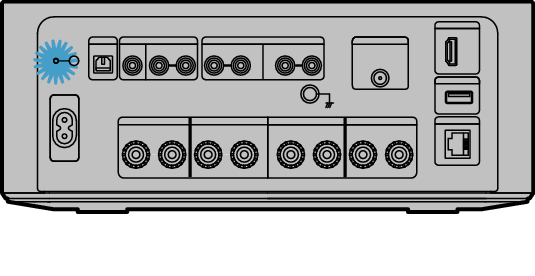 (two blinks (repeating)) |
This unit is pairing via Bluetooth. |
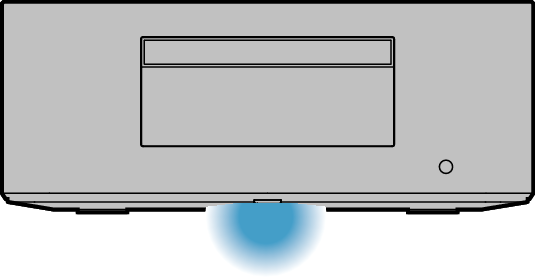 (solid) |
(off) |
This unit is paired via Bluetooth. |
|
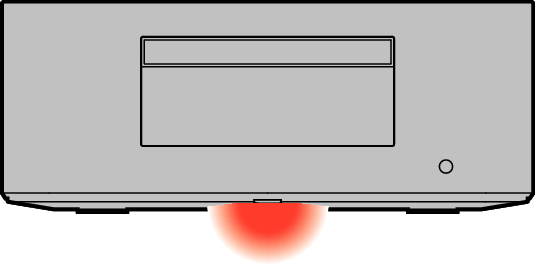 (for 3 sec. solid) |
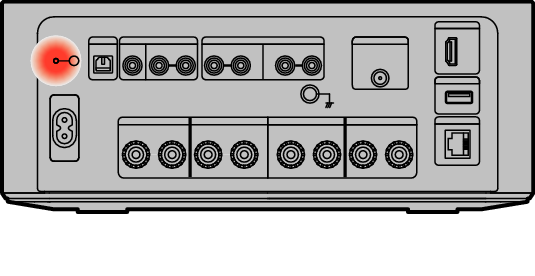 (for 3 sec. solid) |
This unit failed to pair to the Bluetooth device. Try to pair again. link |
|
|
Firmware update |
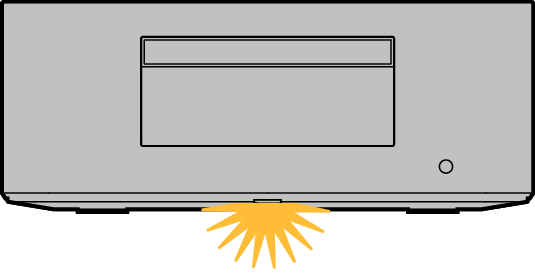 (blink) |
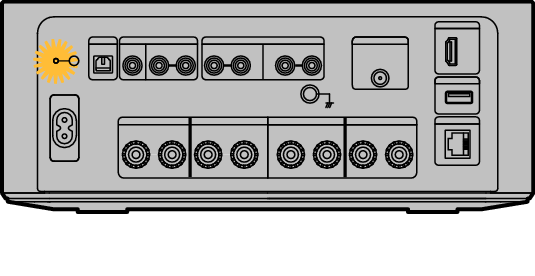 (blink) |
Firmware is being updated. |
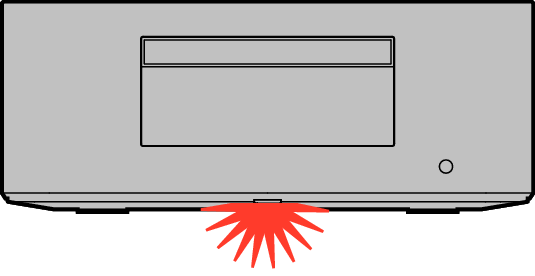 (slow blink (Not fade)) |
(off) |
There is a firmware error. Check your Internet connection quality, relaunch the app, then try to update the firmware again. |
|
|
Error |
(solid) |
(solid) |
There was a setup error. Check your usage environment, then follow the correct procedure to try setup again. If the error occurs again, restore factory settings and try setup again. link |
|
Reset |
(blink) |
(blink) |
Factory settings have been restored. |