Search result
Menu map
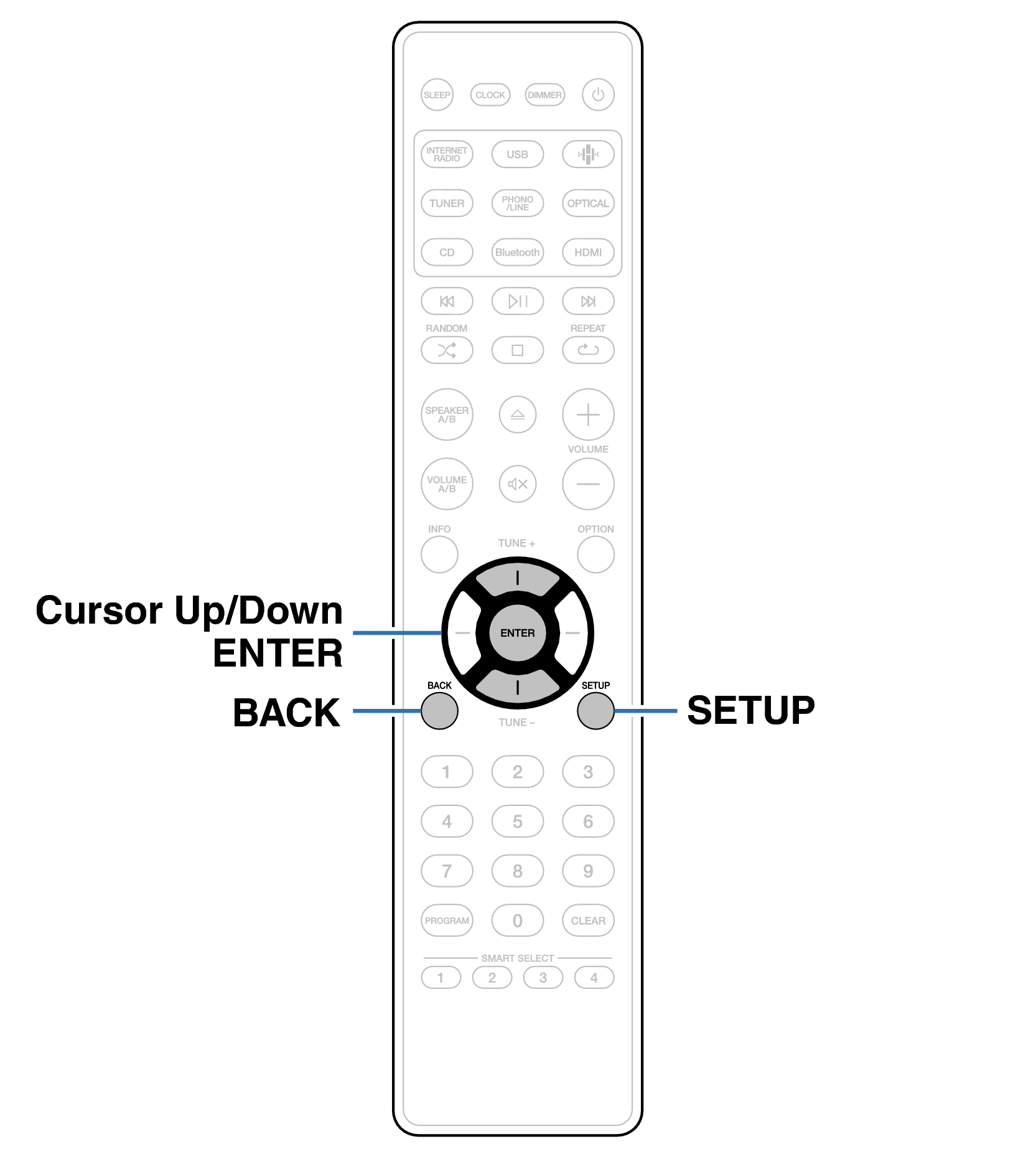
For menu operations, see the following page.
By default, this unit has recommended settings defined. You can customize this unit based on your existing system and your preferences.
|
Setting items |
Detailed items |
Description |
Page |
|---|---|---|---|
|
Audio |
Volume Limit |
Make a setting for maximum volume. The volume cannot be increased above this setting. |
|
|
Dirac Live Filter |
Select a Dirac Live Filter. |
||
|
HP Amplifier Gain |
Set the gain of the headphone amplifier. By setting according to the impedance of your headphones, you can enjoy playing headphones at an appropriate volume. |
||
|
Audio Out |
You can set the analog audio output volume to “Fixed” or “Variable”. |
||
|
Speakers |
Amplifier Mode |
Adjusts the speaker output according to the speaker connection method. |
|
|
Response |
Toggles the frequency characteristics of the speaker output. |
||
|
Subwoofer |
Enables or disables the subwoofer output, sets the subwoofer volume and crossover frequency. |
||
|
Dirac Live Setup |
The unit will show on the display that the operating instructions for Dirac Live Room Calibration can be confirmed in the HEOS app. |
||
|
TV |
TV Input |
Set this when playing audio from a TV on this unit. |
|
|
HDMI Power Off Control |
Set the “HDMI Power Off Control” function that is keyed to the power off operation of your TV to turn the device’s power to standby. |
|
Setting items |
Detailed items |
Description/Detailed items |
Page |
|
|---|---|---|---|---|
|
General |
Alarm |
Sets the timer playback. |
||
|
Clock |
Sets the current time. |
|||
|
Clock Mode |
You can display the time when in standby by setting the clock mode. |
|||
|
CD Auto Play |
Set whether to automatically play a disc when the disc is inserted. |
|||
|
Status Light |
Adjusts the brightness of the status LED. |
|||
|
Language |
Sets the language for display the menu. |
|||
|
Auto-Standby |
Sets the unit power to standby when the unit is not in use. |
|||
|
Firmware |
Displays the current firmware version. |
|||
|
Reset |
Various settings are reset to the factory default values. |
|||
|
Network |
Network Information |
Displays various information about the network. |
||
|
Wi-Fi |
The Wi-Fi function can be stopped to prevent noise that affects the sound quality. |
|||
|
Bluetooth |
Stopping Bluetooth function reduces a source of noise that affects sound quality, enabling higher sound quality playback. It also sets the Bluetooth transmitter settings. |
|||
|
Network Control |
Performs the on/off settings for the network function when in standby mode. |
|||
|
AirPlay Setup |
Set this unit to WAC mode. Perform this setup when connecting to a network using an iOS device. |
|||
|
Setting items |
Detailed items |
Description |
Page |
|---|---|---|---|
|
DAB∗1 |
Tuning Aid |
Displays the reception intensity for DAB antenna installation. |
|
|
Station Order |
Sets the order of broadcasting stations to be displayed. |
||
|
DRC (Dynamic Range Control) |
Sets dynamic range control. |
||
|
DAB Initialize |
Resets the DAB modules. |
||
|
DAB Version |
Displays DAB module version. |
This is displayed when the input source is set to “DAB”.
Remote control unit illustration