
Search result
Overview
Connections
Playback
Settings
Tips
Appendix
Playing digital input
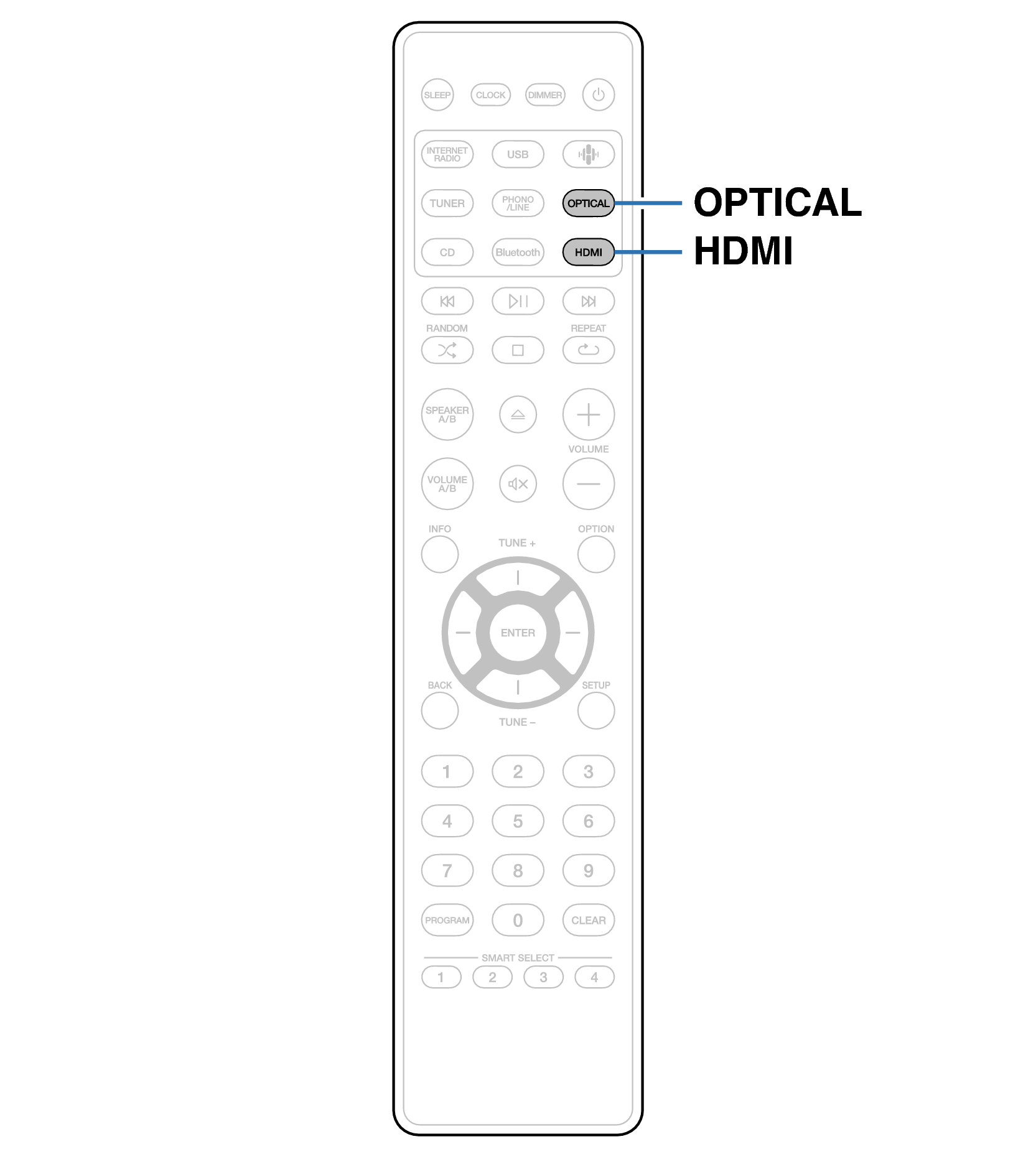
Remote control unit illustration
Prepare for playback.
Check the connection, then turn on this units. (Connecting a digital devicelink)
Press HDMI or OPTICAL to switch the input source to “HDMI” or “Optical”.
Play the component connected to this unit.
If the sampling frequency cannot be detected, “Signal Unlock” will be displayed.
“Unsupported” is displayed when audio signals that are not supported by this unit are input.
When “TV Input” is set in the setup menu, this unit automatically turns on when the TV connected to the unit is turned on, and the input source switches to “HDMI” or “Optical”. link
Specifications of supported audio formats
See Digital inputlink.
Network CD Receiver