
Search result
Playing CDs
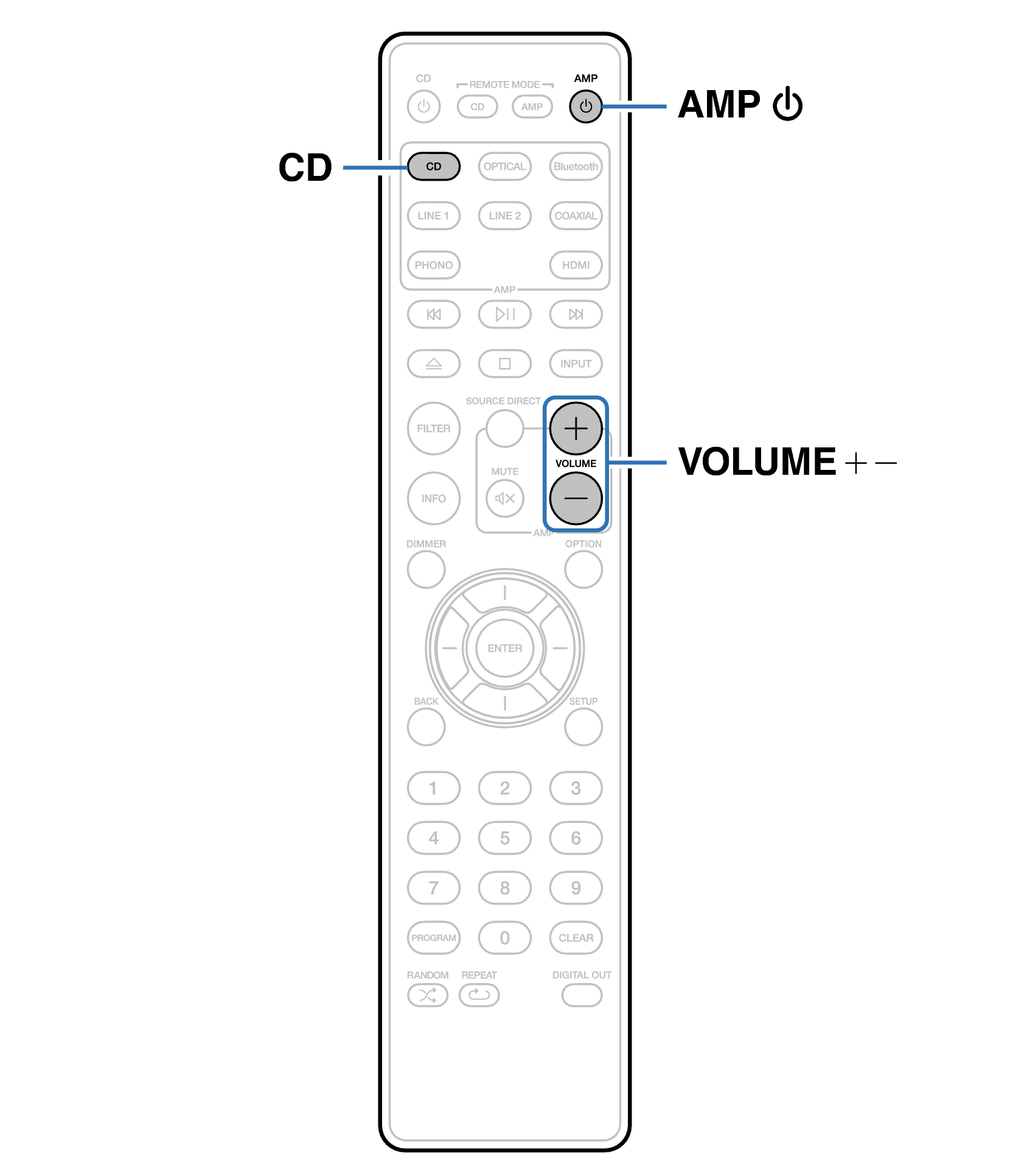
Remote control unit illustration
Prepare for playback.
Check the connection, then turn on this units. (Connecting a playback devicelink)
Press AMP  to turn the power on.
to turn the power on.Press the input source select button (CD) to switch the input source to “CD”.
“CD” is displayed on the display.
Playback the CD.
Use VOLUME 
 to adjust the volume.
to adjust the volume.