Search result
Menu map
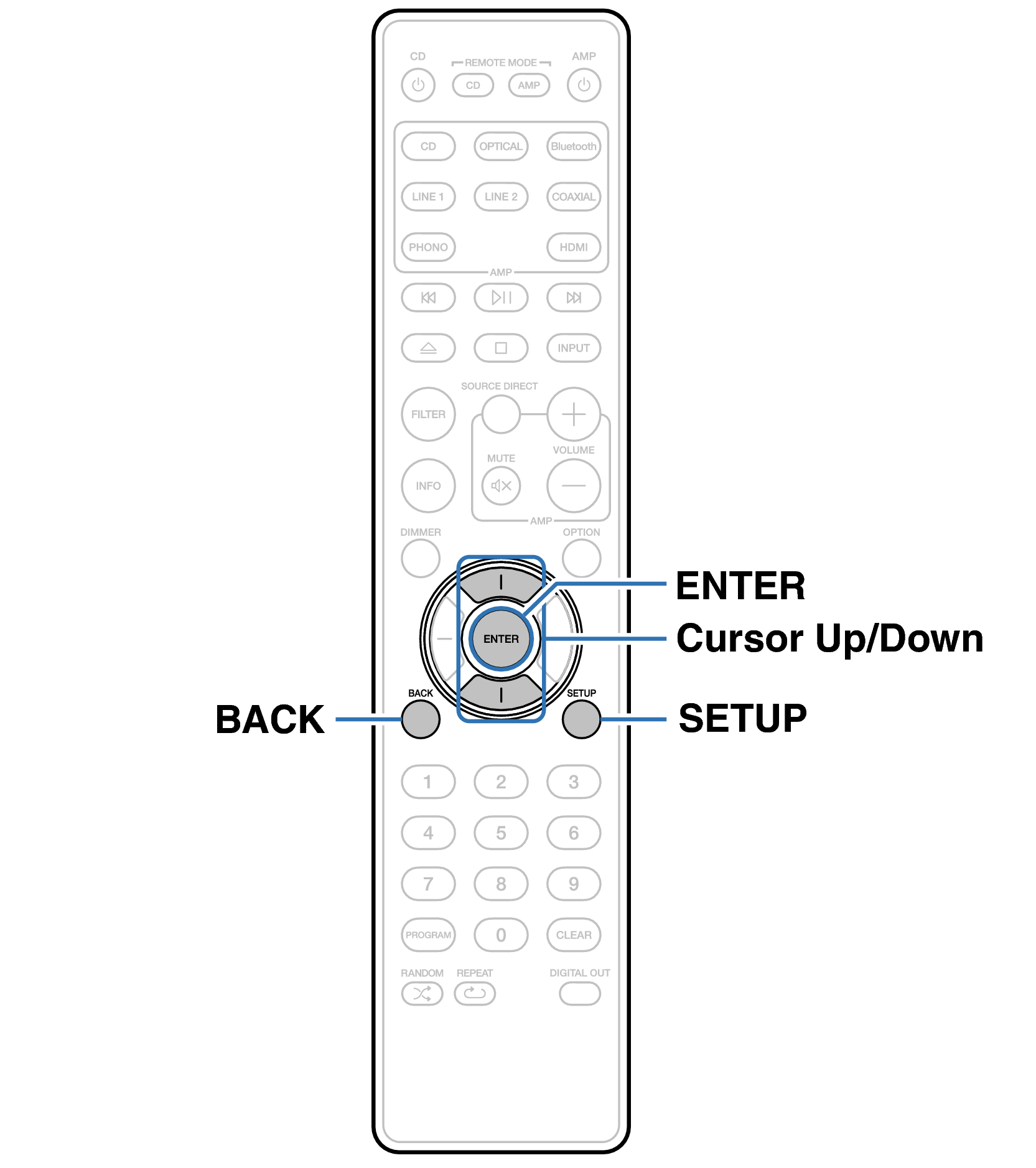
For menu operations, see the following page.
By default, this unit has recommended settings defined. You can customize this unit based on your existing system and your preferences.
|
Setting items |
Description |
Page |
|---|---|---|
|
TV Auto-Play |
Set the “TV Auto-Play” function, which automatically switches the input source and plays the TV audio when a TV audio signal is input to this unit. |
|
|
HDMI Power Off Control |
Set the “HDMI Power Off Control” function that is keyed to the power off operation of your TV to turn the device’s power to standby. |
|
|
Bluetooth |
Stopping Bluetooth function reduces a source of noise that affects sound quality, enabling higher sound quality playback. It also sets the Bluetooth transmitter settings. |
|
|
Volume Limit |
Make a setting for maximum volume. The volume cannot be increased above this setting. |
|
|
Auto-Standby |
Sets whether to automatically switch the unit to the standby mode when there is no audio input and no operations are performed for more than 15 minutes. |
|
|
Reset |
Various settings are reset to the factory default values. |
Remote control unit illustration