Search result
Frequently asked questions
Where can I purchase a Dirac Live license?
You can purchase a Dirac Live license on the Dirac website (www.dirac.com/marantz).
Can I apply Dirac Live to multiple devices with one Dirac Live license?
No. Dirac Live licenses are registered to the device itself. To apply Dirac Live to multiple devices, you will need to purchase a license for each device.
My device is not detected by the Dirac Live software.
Make sure your device and your computer are connected to the same network and that both can connect to the internet.
Restart the Dirac Live software.
Restarting the device may improve the problem.
Continue pressing the  button on the unit until “Restart” appears in the display, or remove and re-insert the power cord of the unit.
Your router or its settings may be incompatible with the Dirac Live software or your device. Use a different router or check the settings of your router.
Can Dirac Live measure crossover frequencies?
Dirac Live Room Correction does not support automatic measurement of crossover frequencies. You will need to manually configure the settings in the setup menu before or after measuring.
Can target curves be edited offline?
No. Your device needs to be connected to your computer to edit target curves.
An error message is displayed in the Dirac Live software.
Make sure the Dirac Live software is updated to the latest version.
To check whether you are using the latest version, go to:
www.dirac.com/live/downloads/
I can't use Dirac Live filters.
Dirac Live filters can be set in “Setup Menu” - “Audio” - “Dirac Live Filter”. Setting up Dirac Live on this unitlink
Does this unit support Dirac Live Bass Control or Dirac Live Active Room Treatment?
No, it doesn't support Dirac Live Bass Control and Dirac Live Active Room Treatment.
I can’t find the Dirac Live filter(s) stored on my device anymore.
Your Dirac Live filter(s) are automatically deleted on your device if you change your device’s subwoofer on/off setting.
To recover your filter(s):
Dirac Live filters do not work if the subwoofer on/off setting has been changed. You can either create a new Dirac Live filter by performing a new Dirac Live calibration, or you can change your device’s subwoofer on/off setting back to the initial Dirac Live calibration that the filter(s) were built for. If you go back to your previous Dirac Live calibration, you can access your original Dirac Live filter(s) stored on your PC and export again to your device.
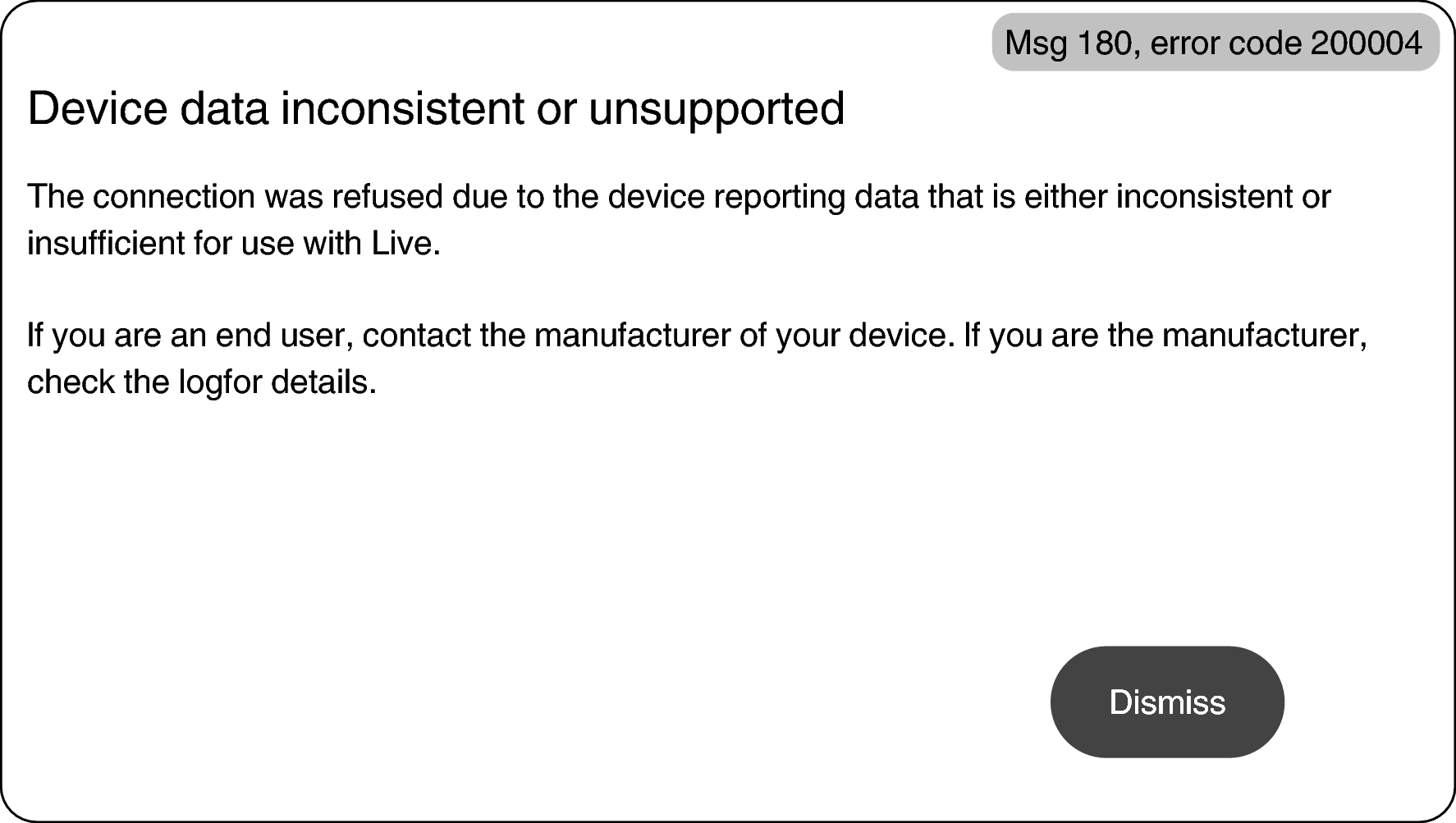
What does the “Device data inconsistent or unsupported” error message on Dirac Live software mean?
You will see this error message when the subwoofer on/off setting on your device has been changed. The Dirac Live software sees that the subwoofer on/off setting on your device doesn’t match its stored configuration.
To troubleshoot this error, do one of the following:
- Set the subwoofer on/off setting back to the original.
- If you want to keep the new subwoofer on/off setting, you must reinitiate the Dirac Live calibration process to create new filters.
If you’re sure that the subwoofer on/off setting has not been changed, but you’re still getting the error message, try power cycling your device to see if the error message disappears. To power cycle, press and hold the device’s power button on the unit until “Restart” appears in the display or unplug and plug back in the device.
Can I use the Dirac Live iOS or Android app instead of the Dirac Live software for PC or Mac?
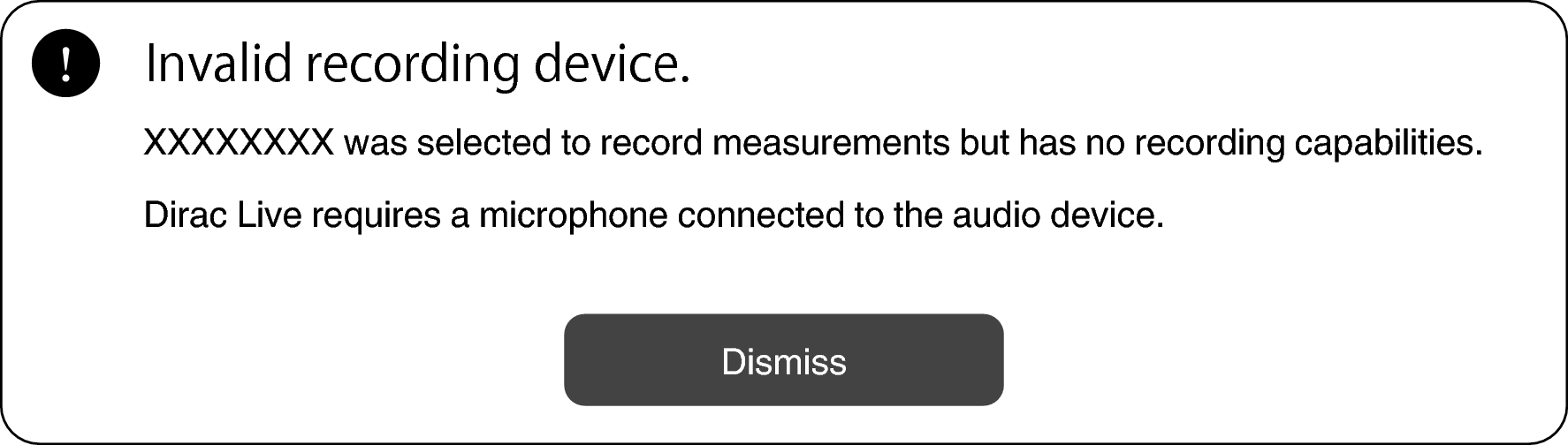
Yes. However, during calibration, the app will not accept the built-in microphone on your iOS or Android device. Please have your choice of USB microphones, such as Mini DSP’s UMIK-1, ready and connected to the device’s USB input to perform calibration.