Search result
Speaker configuration and “Amp Assign” settings
This system configuration plays back 11-channels. You can create speaker systems such as a bi-amp connection by changing the “Amp Assign” settings.
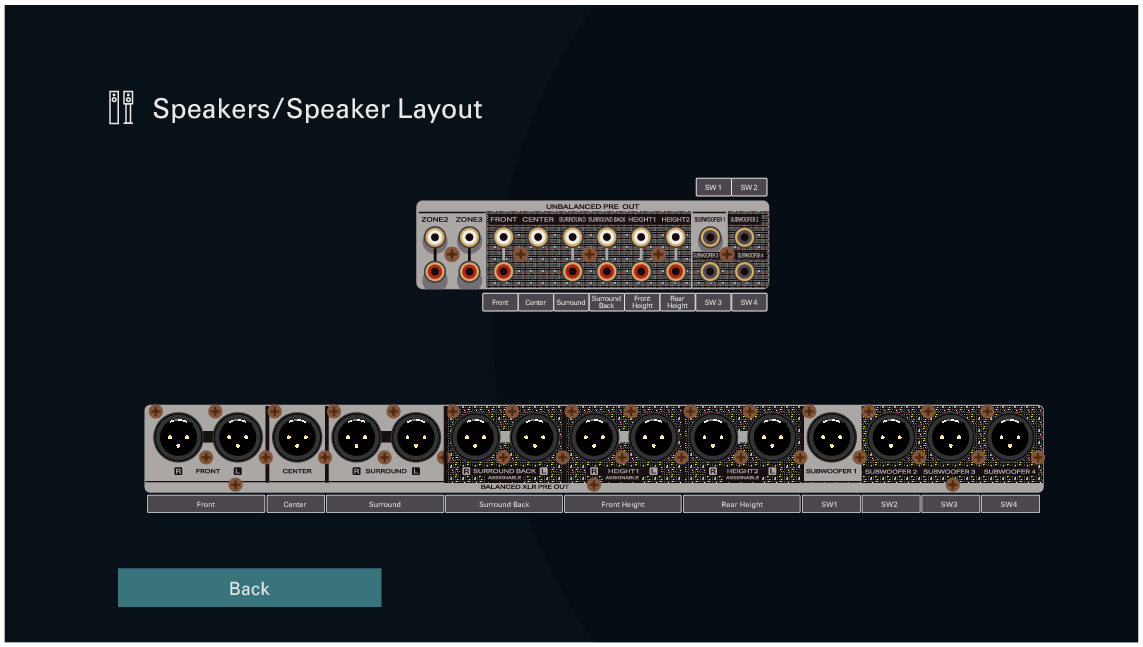
Perform “Speaker Layout” settings to suit the number of rooms and speaker configuration to be installed. link
|
Playback speaker in MAIN ZONE |
“Amp Assign” settings |
Connection page |
|---|---|---|
|
5.1-channel playback |
11.1ch (Default) |
|
|
7.1-channel playback |
11.1ch (Default) |
|
|
9.1-channel playback |
11.1ch (Default) |
|
|
11.1-channel playback |
11.1ch (Default) |
|
|
11.1-channel for Dolby Atmos and 11.1ch for AURO-3D |
11.1ch (Default) |
|
|
9.1-channel playback (bi-amp connection of front speakers) |
9.1ch (Bi-Amp) |
|
|
9.1-channel playback + second pair of front speakers |
9.1ch + Front B |
The sound mode that can be selected varies according to the speaker configuration.
The following pages provide basic connection examples.
Refer to the example connection for Example layout for AURO-3D 9.1 channel systemlink when playing AURO-3D with a 9.1-channel system using the basic 5.1-channel system and the front height, surround height speakers.
Also refer to the connection example for Example layout for AURO-3D 11.1 channel systemlink when playing AURO-3D with a 11.1-channel system by adding the Center Height and Top Surround speakers.