Contents
Overview
Accessories
Features
Part names and functions
Connections
Connections
Connecting speakers
Connecting a playback device
Connecting a recording device
Connecting to a device with digital audio output connectors
Connecting a PC or Mac
Connecting devices with remote control connectors
Connecting the power cord
Playback
Playback
Settings
Setting the Auto Standby mode
Tips
Tips
Troubleshooting
Appendix
D/A converter
Explanation of terms
Specifications
Dimensions / Weight
Index
PDF Download
Top
Playback
Overview
Accessories
Features
Part names and functions
Connections
Connections
Connecting speakers
Connecting a playback device
Connecting a recording device
Connecting to a device with digital audio output connectors
Connecting a PC or Mac
Connecting devices with remote control connectors
Connecting the power cord
Playback
Playback
Settings
Setting the Auto Standby mode
Tips
Tips
Troubleshooting
Appendix
D/A converter
Explanation of terms
Specifications
Dimensions / Weight
Index
Playback
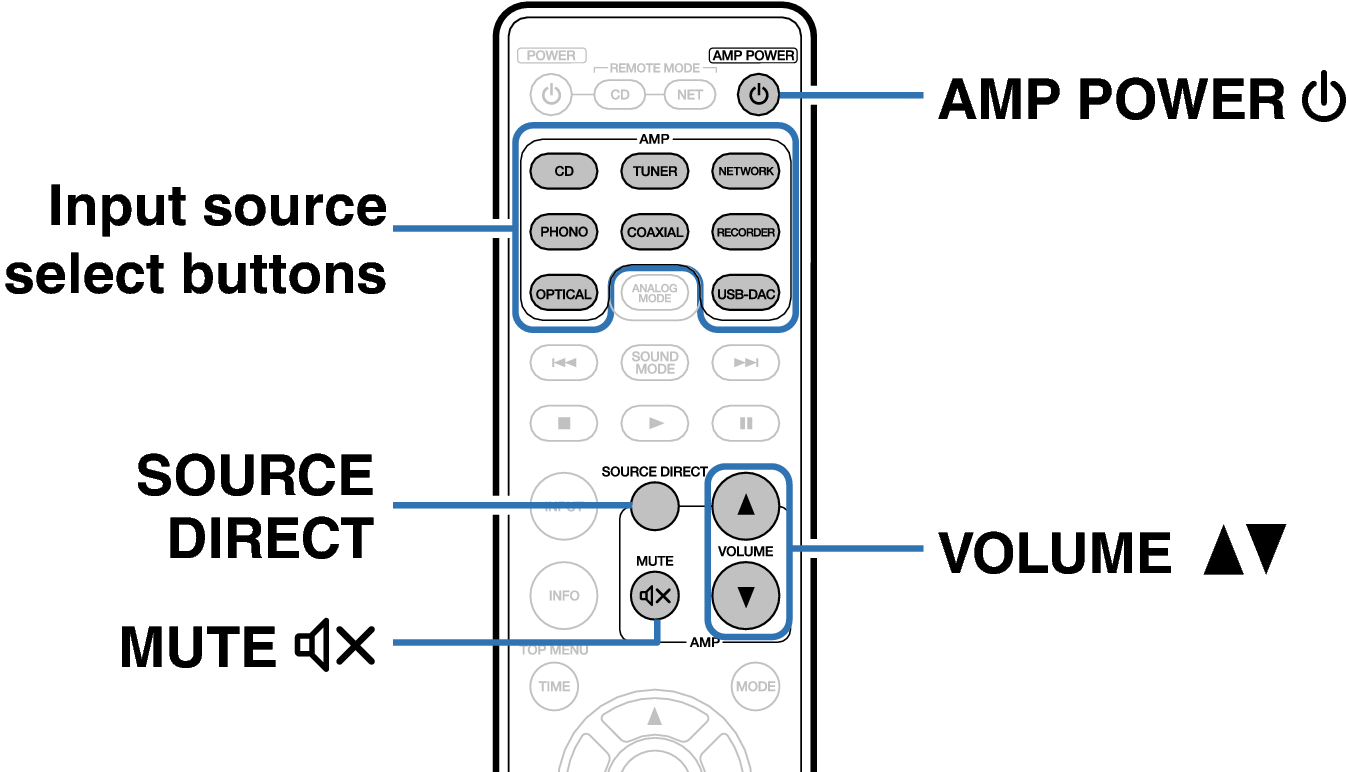
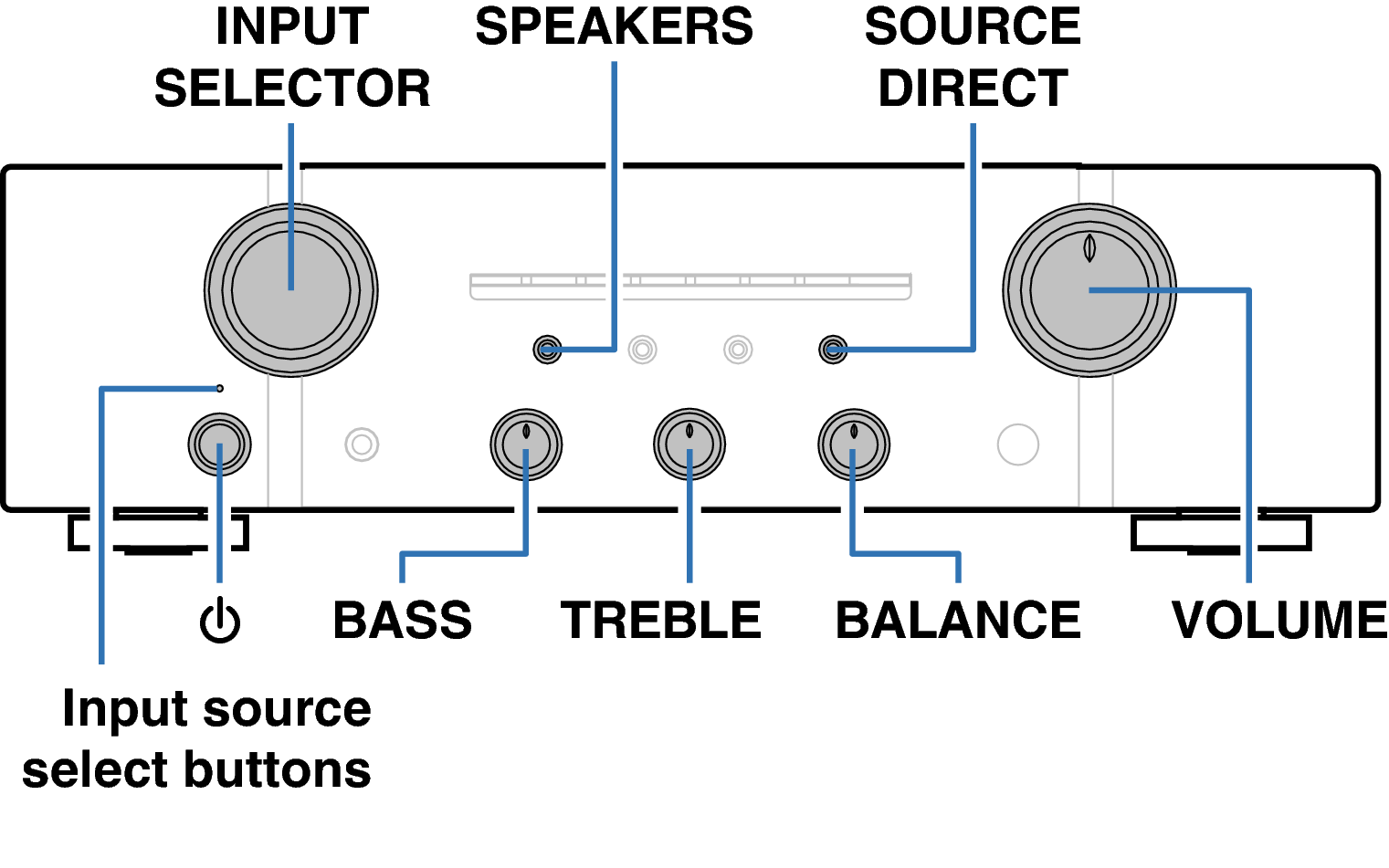
Buttons used for this operation
Playback
Turning the power on
Turning speaker output on
Selecting the input source
Adjusting the volume
Turning off the sound temporarily (Muting)
Adjusting the tone
Playing CDs
Connecting and playing back from a computer (USB-DAC)
Connect and playback from a digital device (Coaxial/Optical)
Recording
back to top